
Voice
dictation,
any
app.
Zero
Subscription
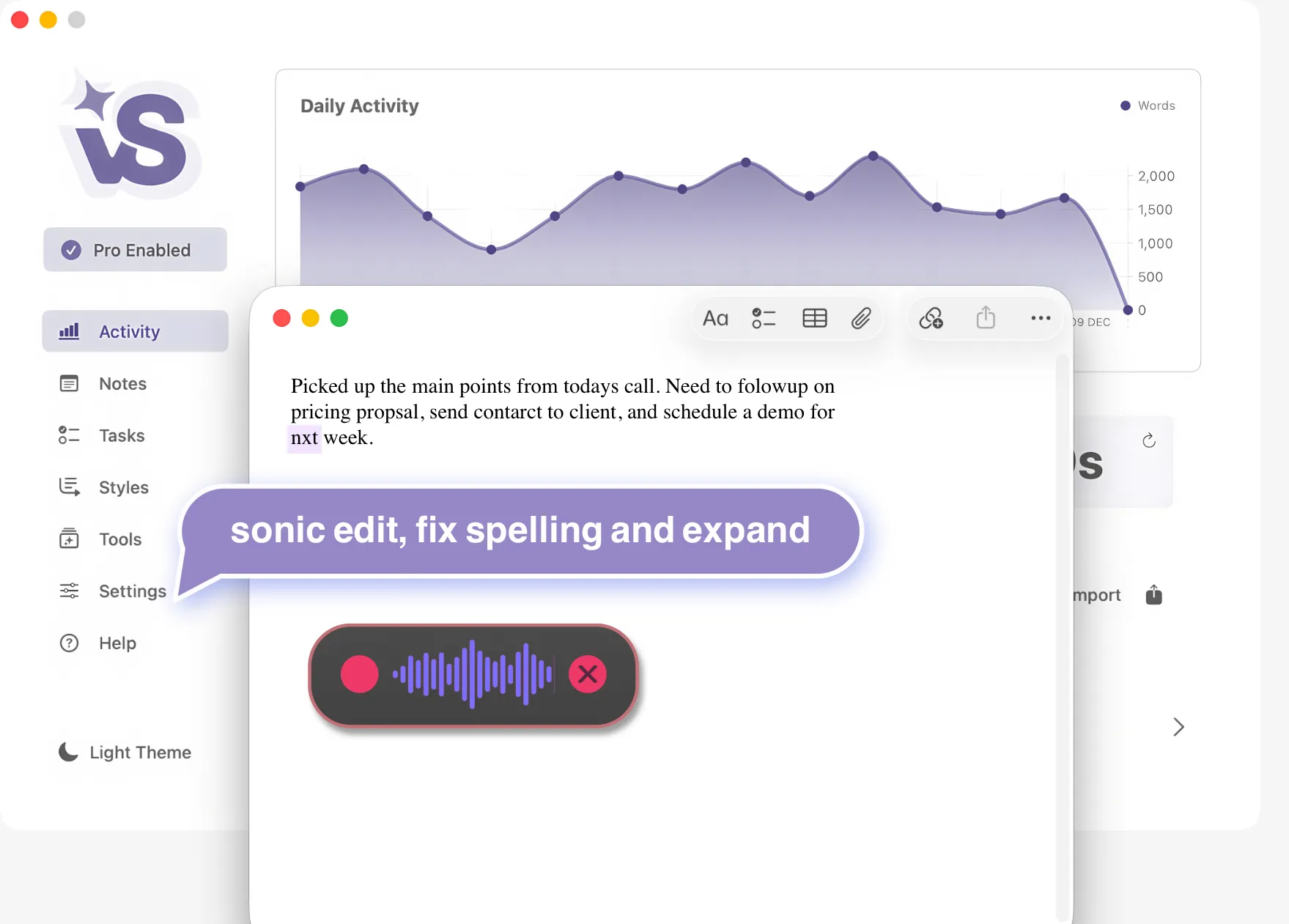
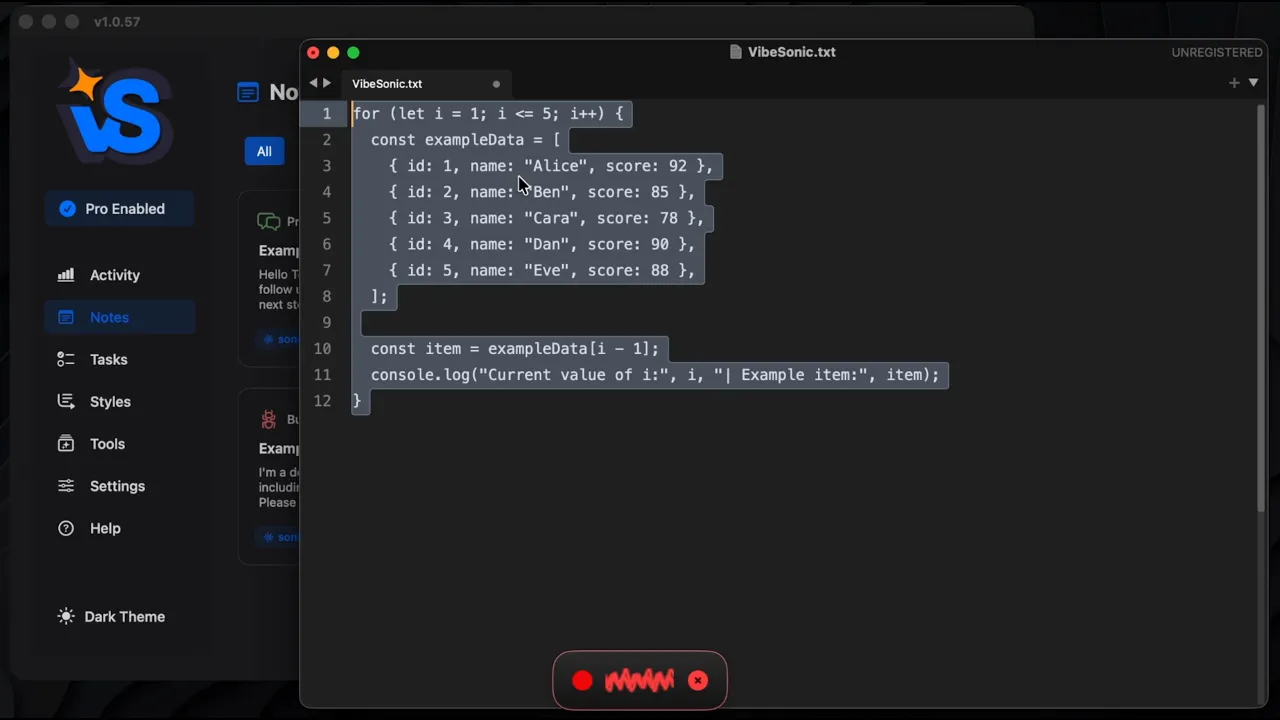
Not just dictation. VibeSonic is a complete AI voice to text toolbox with notes, tasks, AI assistants, web research on macOS. Works anywhere your cursor is.
-
AI
Voice
Transcription Tools for
macOS Power Users
Notes
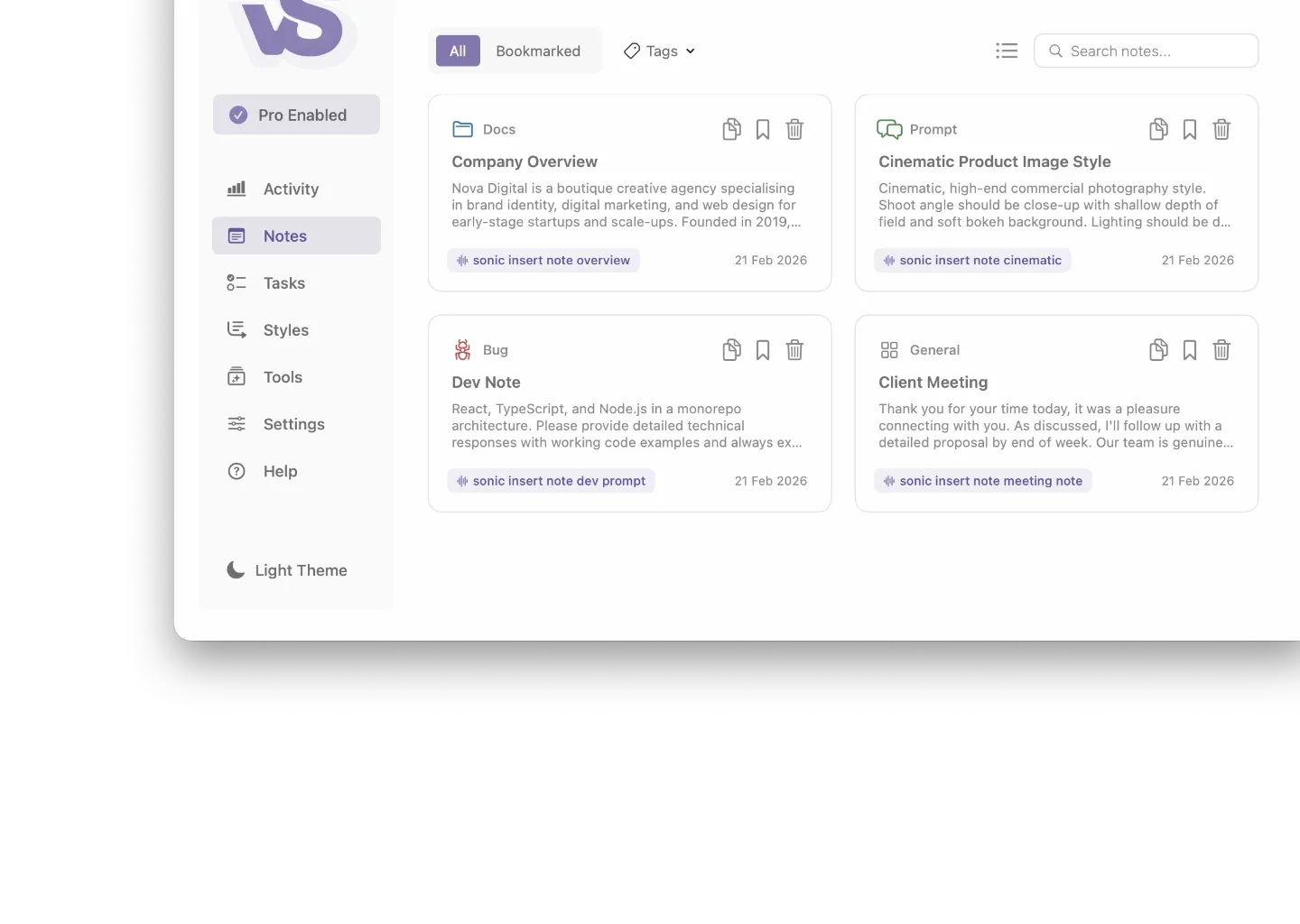
Integrated AI Voice Notes
Your voice powered notes & prompts.
Store reusable prompts, templates, and standard text as named notes. Organise across multiple projects and inject any note mid-dictation with a single voice command - no memorising, no re-typing. AI helps you create, edit, and manage your library entirely by voice.
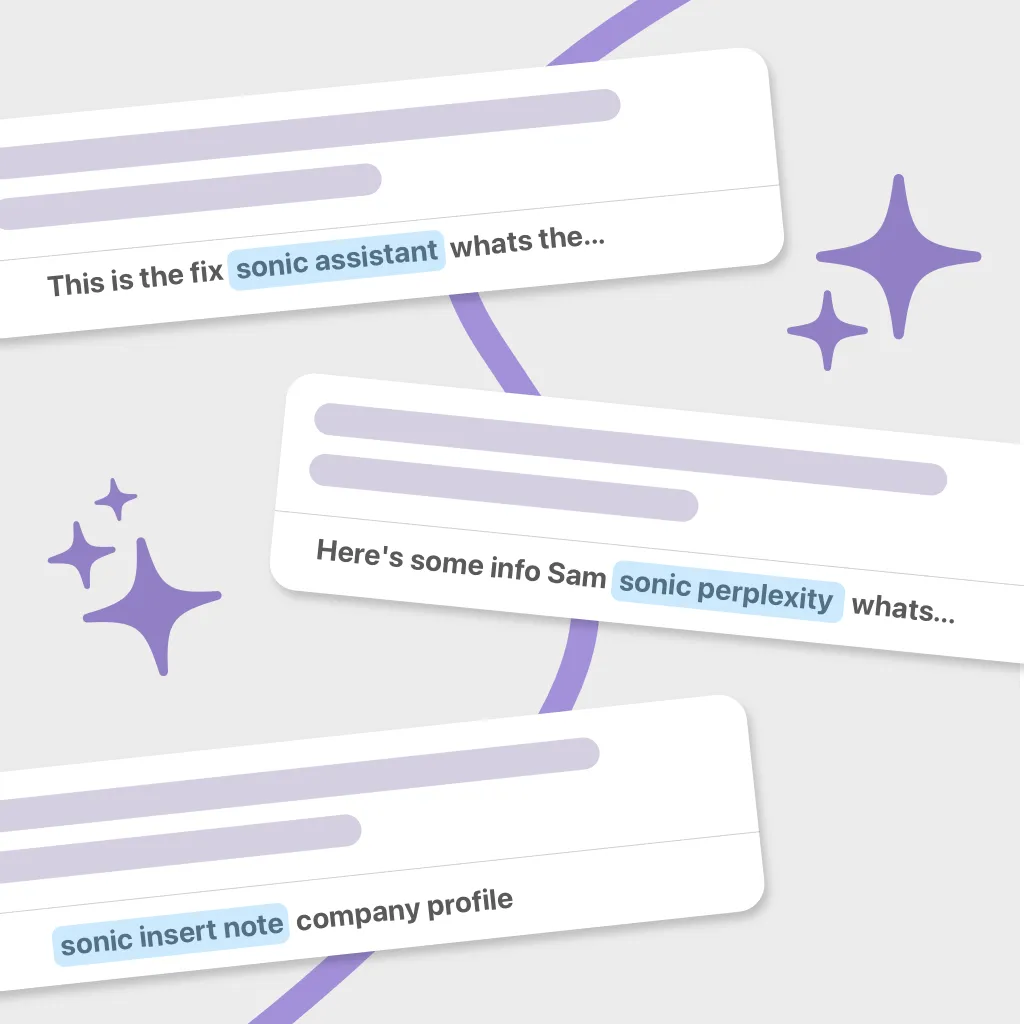
sonic insert note
sonic copy note
sonic create note
AI note editing
Tasks
AI Voice Workflows
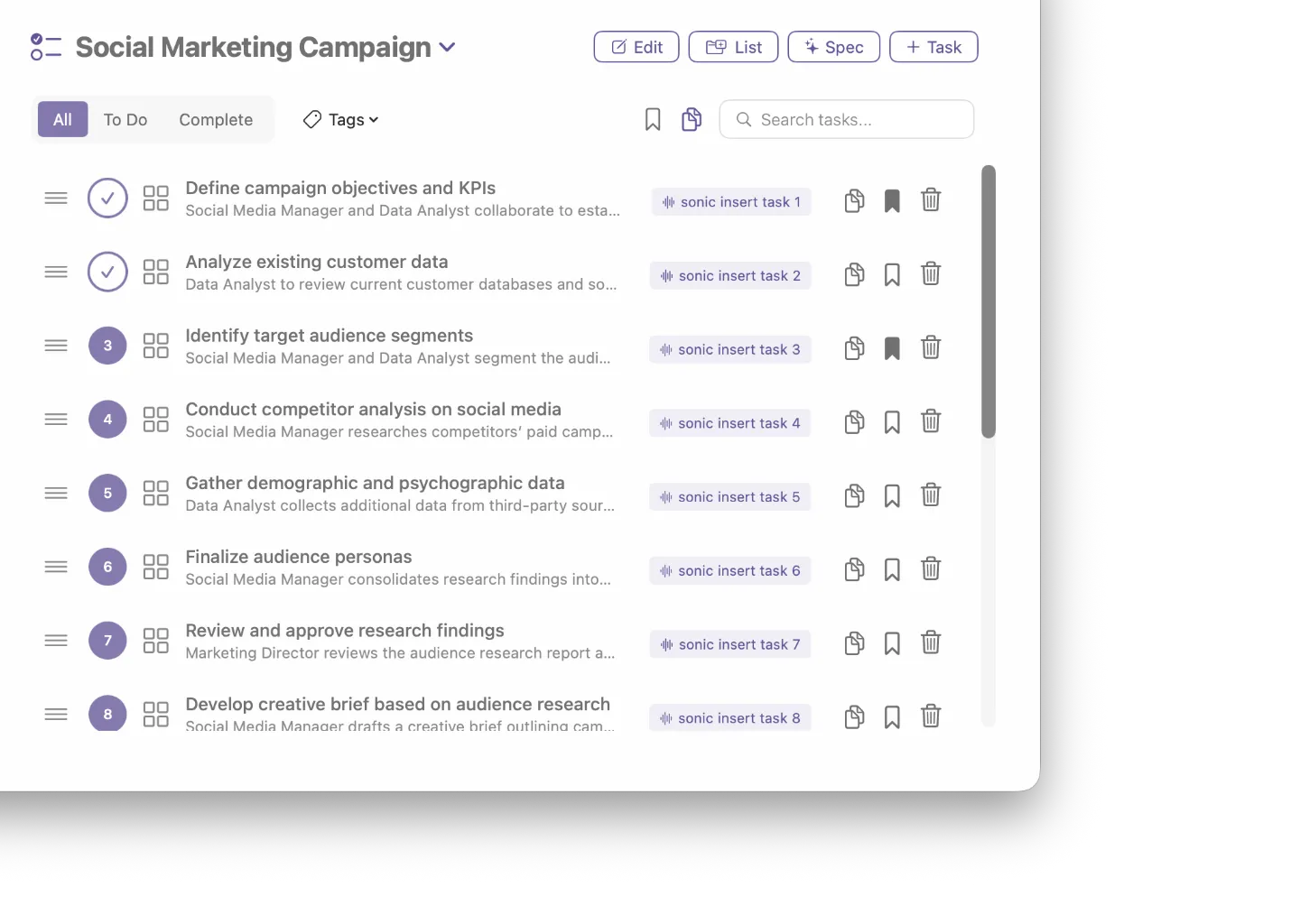
Generate AI task lists. Build them into your voice workflow.
Use AI to generate task lists or create your own manually. Reference and insert any task back into your workflow by voice - AI handles titles, organisation, and tracking automatically across multiple projects.
Privacy & Performance
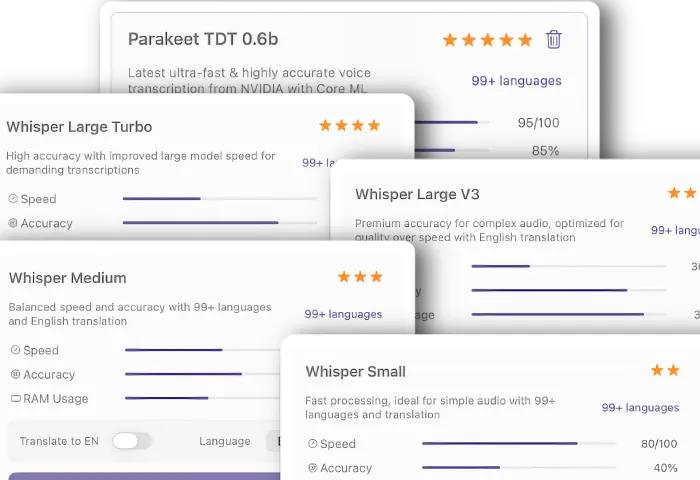
Local & Cloud Models
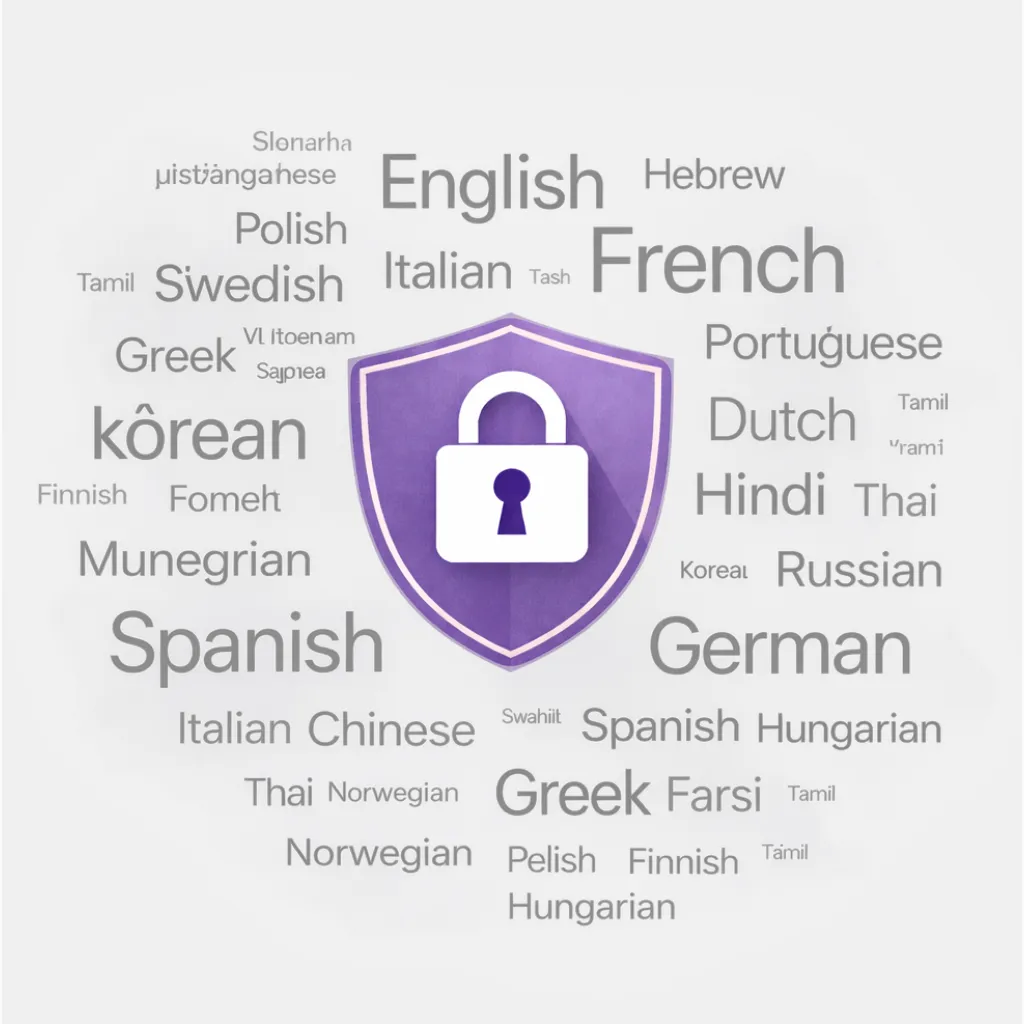
Industry leading local models for complete privacy, plus powerful cloud models using your own API keys.
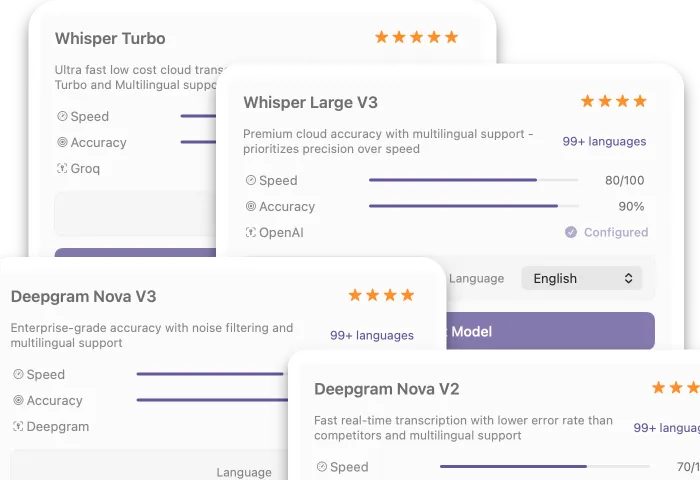
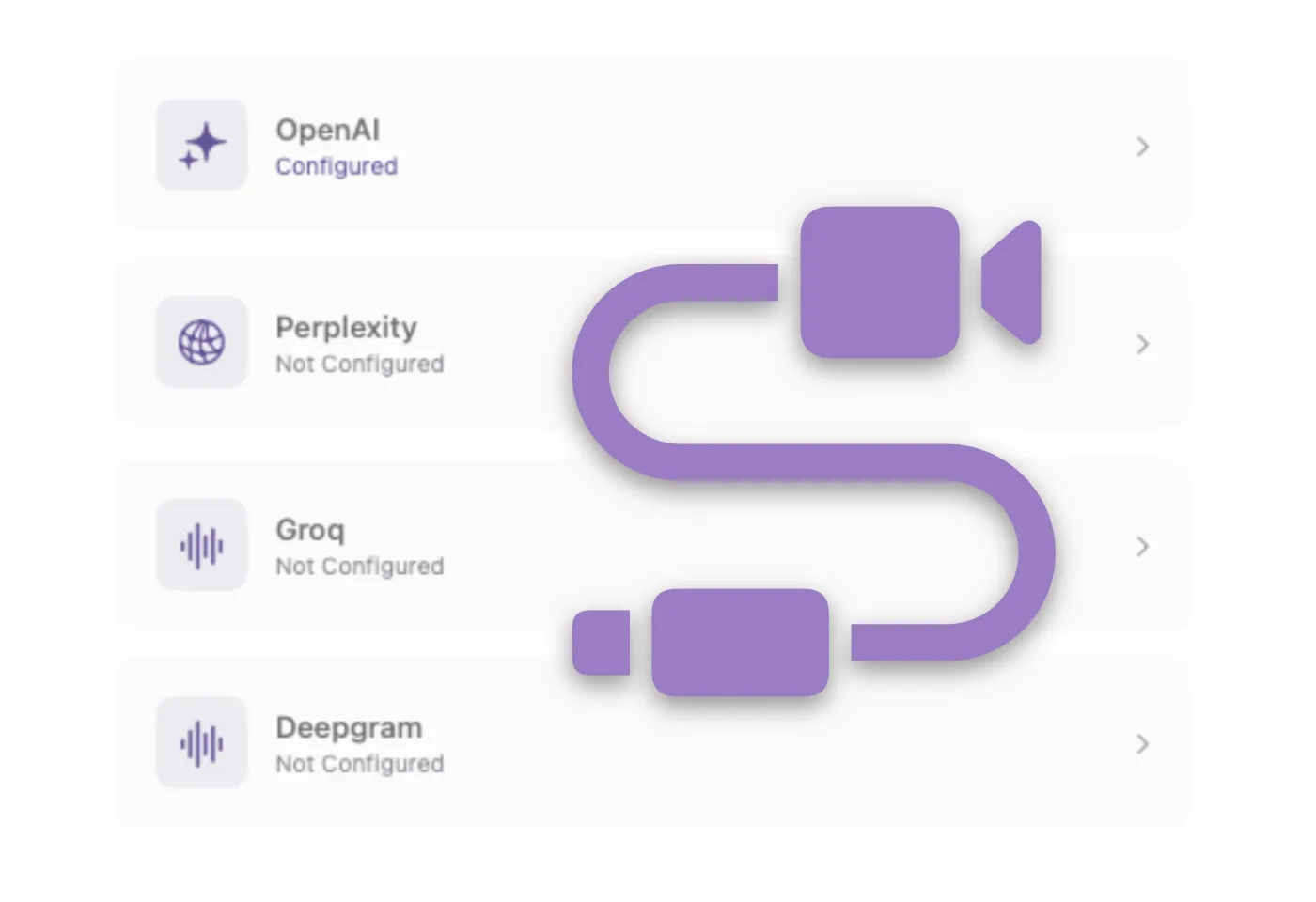
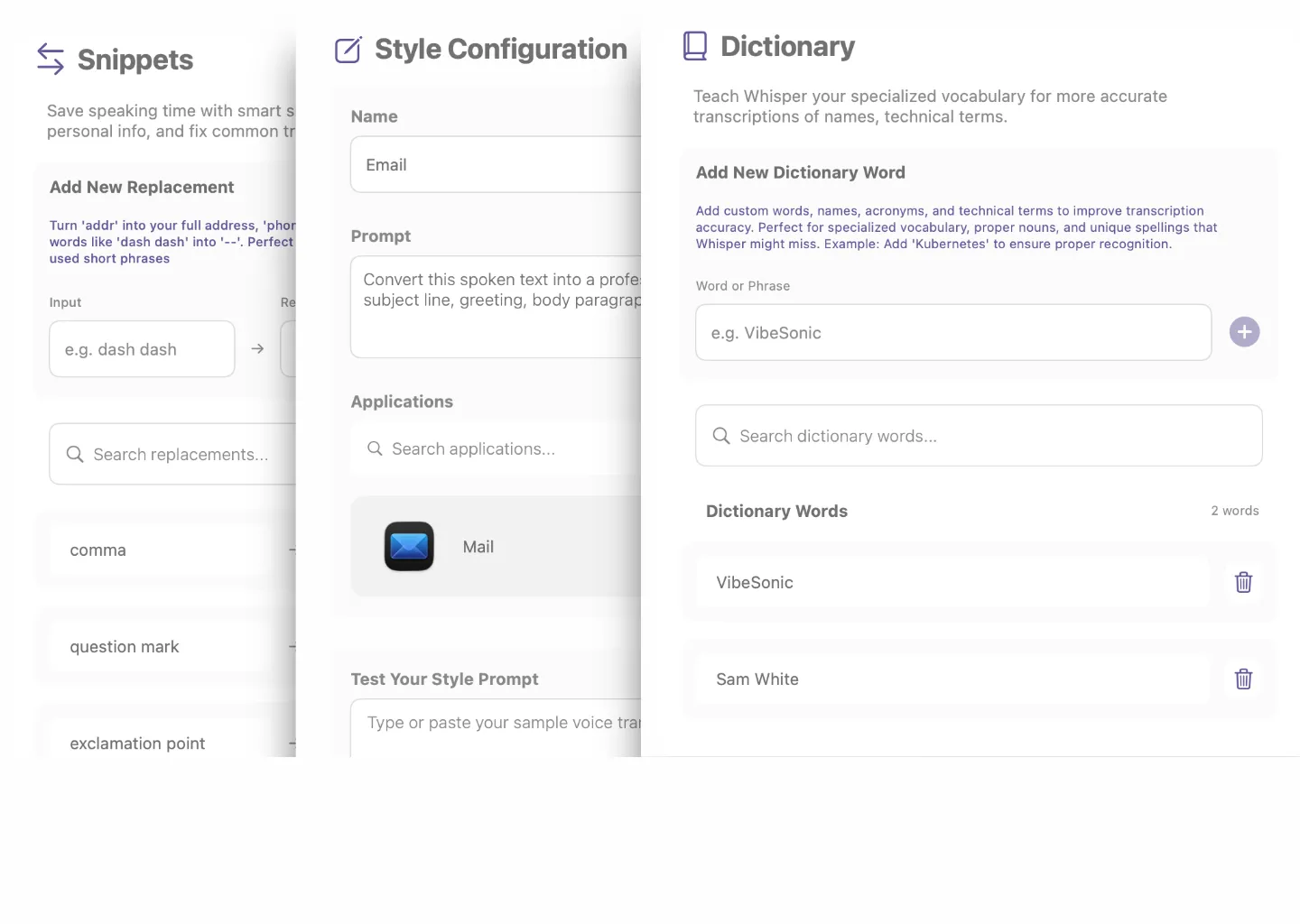
All-in-one voice toolkit for your workflow.
Everything you need - styles, snippets, vibe coding tools, Perplexity research, analytics & beautiful themes. All voice-driven. All on-device.
Pricing
Lifetime License
No Subscription
Join the community & help shape our roadmap.
FAQs
Got questions?
We’ve got answers.
Here’s everything you need to know before getting started.
1. Is my audio being recorded or sent anywhere?
By default, no. VibeSonic processes everything locally on your Mac — your audio never leaves your device and nothing is stored on our servers. If you choose to use optional cloud transcription models in Pro, audio is sent directly to that provider using your own API key. We never see it. You're always in control of which model you use, and local models work completely offline with zero data leaving your Mac.
2. I already use another voice tool - why would I switch?
Most voice tools do one thing and stop there. VibeSonic combines fast local transcription with voice-triggered notes, task management, AI edit commands, smart styles, and web research — all in a single keyboard shortcut. No switching between apps, no monthly subscription, and everything runs on your Mac.
3. Will it slow down my Mac?
No. VibeSonic uses Apple's Core ML framework, which means the AI models run natively on Apple Silicon — using the Neural Engine, not your CPU. Transcription is near real-time with minimal battery or performance impact, even on MacBook.
4. What happens if I need it on more than one Mac?
Pro licenses cover the number of devices you choose — 1, 2, 5, or 10. All one-time payments, no subscription. Your data is stored locally on each machine so your notes and tasks stay separate per device.
5. What's actually included - is Free really free?
Yes. The Free tier includes unlimited transcription, voice notes and tasks, snippets, custom dictionary, and your activity dashboard — with no time limit and no credit card required. Pro adds AI assistants, Parakeet TDT, all Whisper models, cloud transcription, and smart styles. Pro AI features use your own provider accounts and API keys, so you stay in control of cost and data. Download free first and upgrade only if you want the AI features.